 FrameAgain
Then & Now camera for iPhone
Take the same photo again, years later.
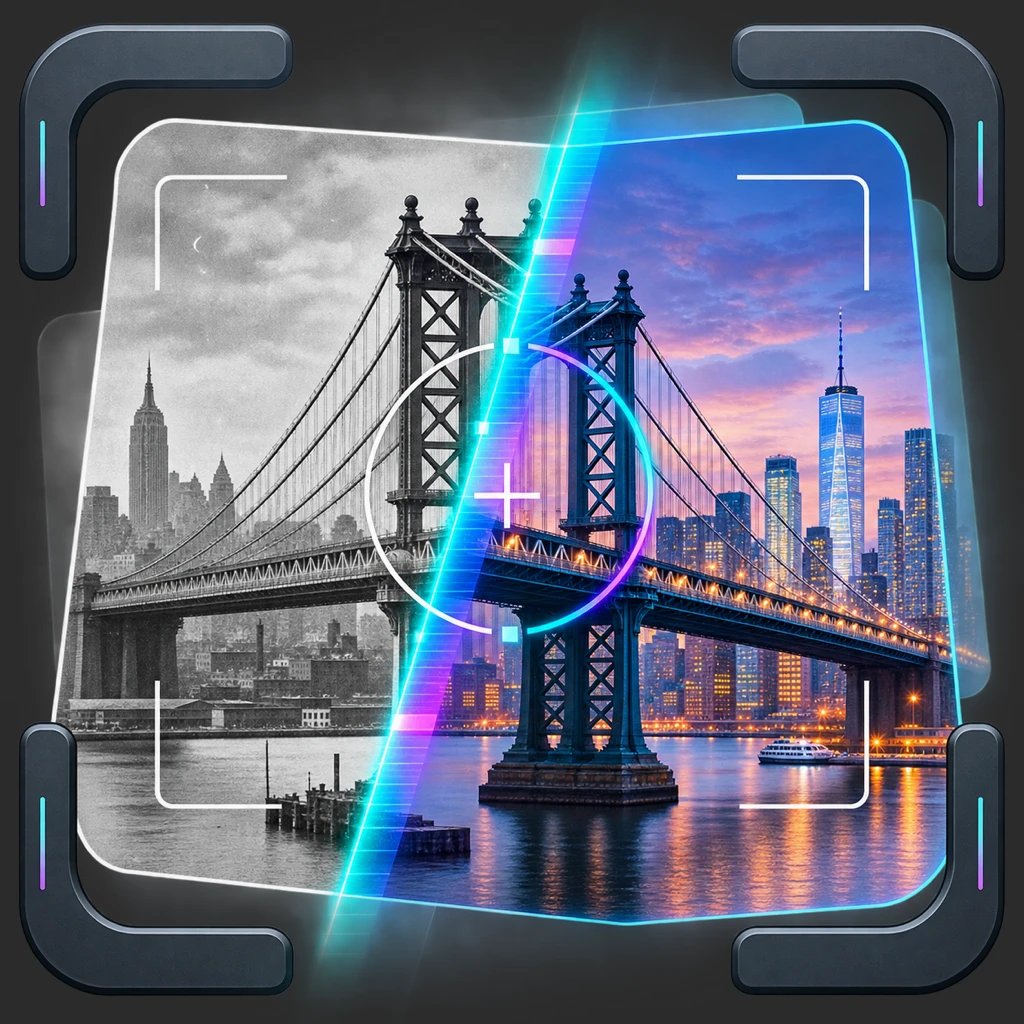
FrameAgain lays your old photo over the live camera. Line it up, take the new one, and see Then and Now together, or turn a whole series into a short video.
Free · No ads · No account
Available in 8 languages
- English
- Español
- Français
- Deutsch
- 简体中文
- 繁體中文
- 日本語
- 한국어
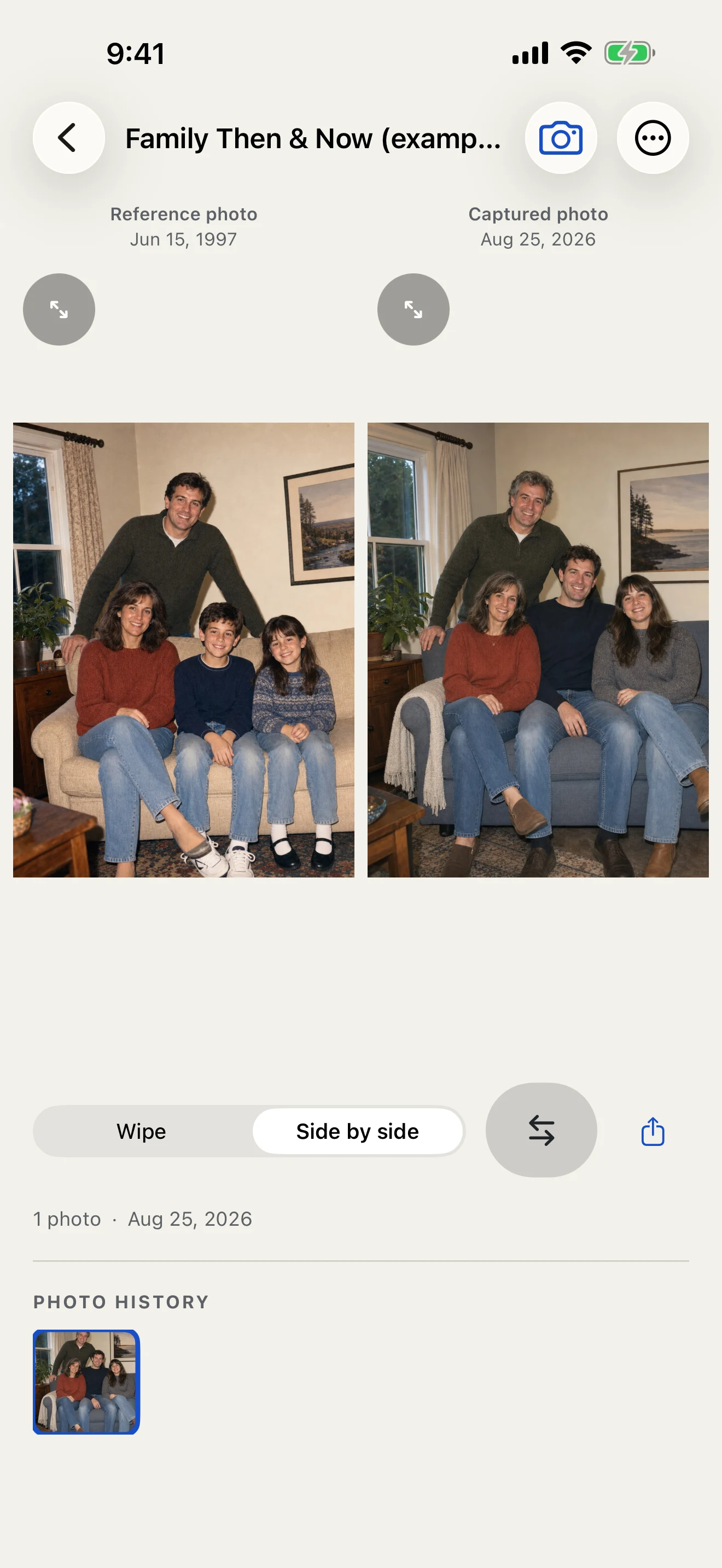
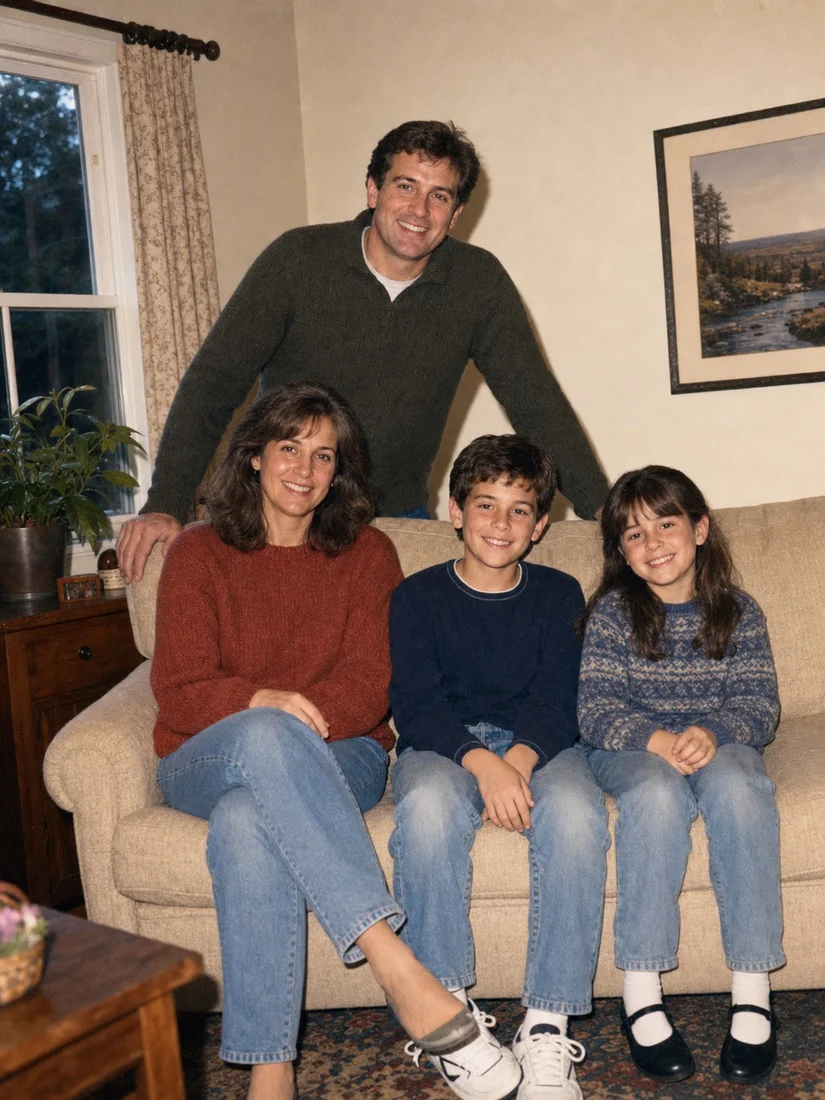
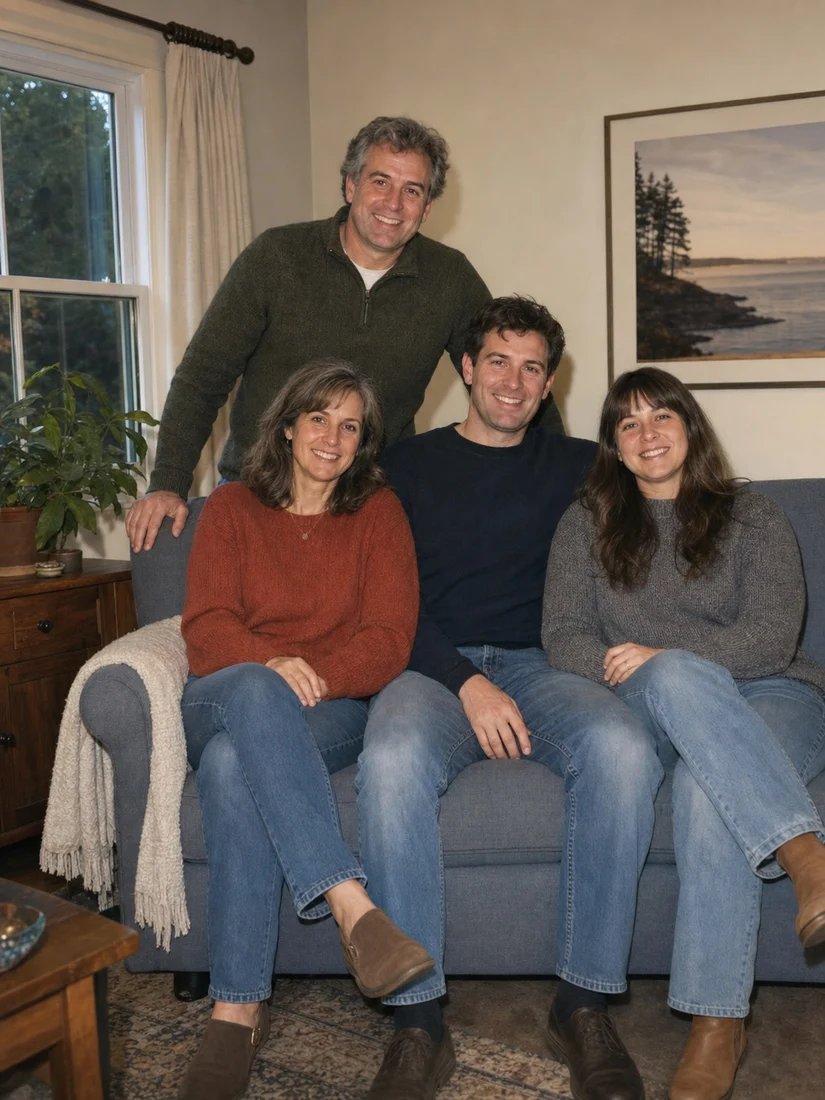
Line up the shot.
Your old photo floats over the live camera while you find the frame. Move until the edges match, then take a clean photo with no overlay.
- Fade, rotate, or fit the reference to the view
- Pinch to zoom and tap to focus
- Reuse the setup, or import a photo you already took
Try lining up a shot: drag the view, then use + and − to zoom.
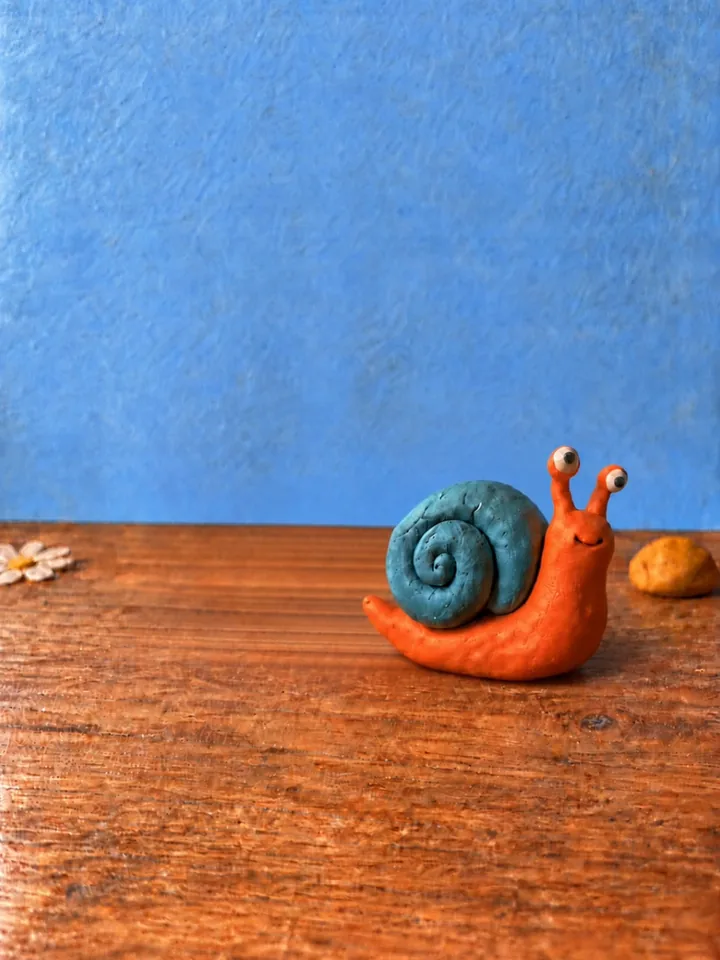
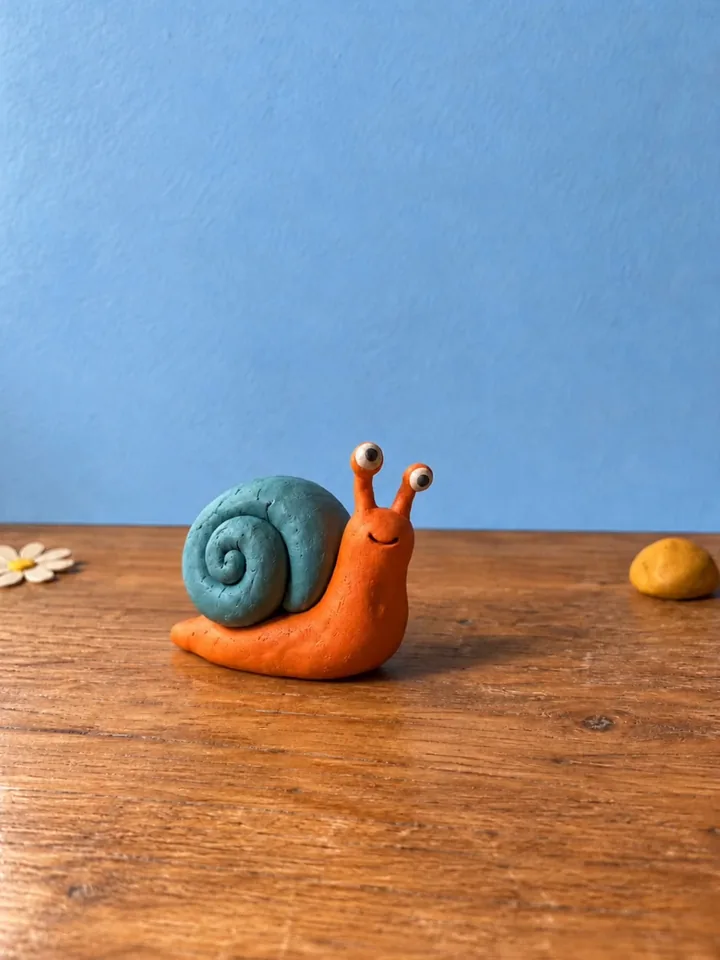
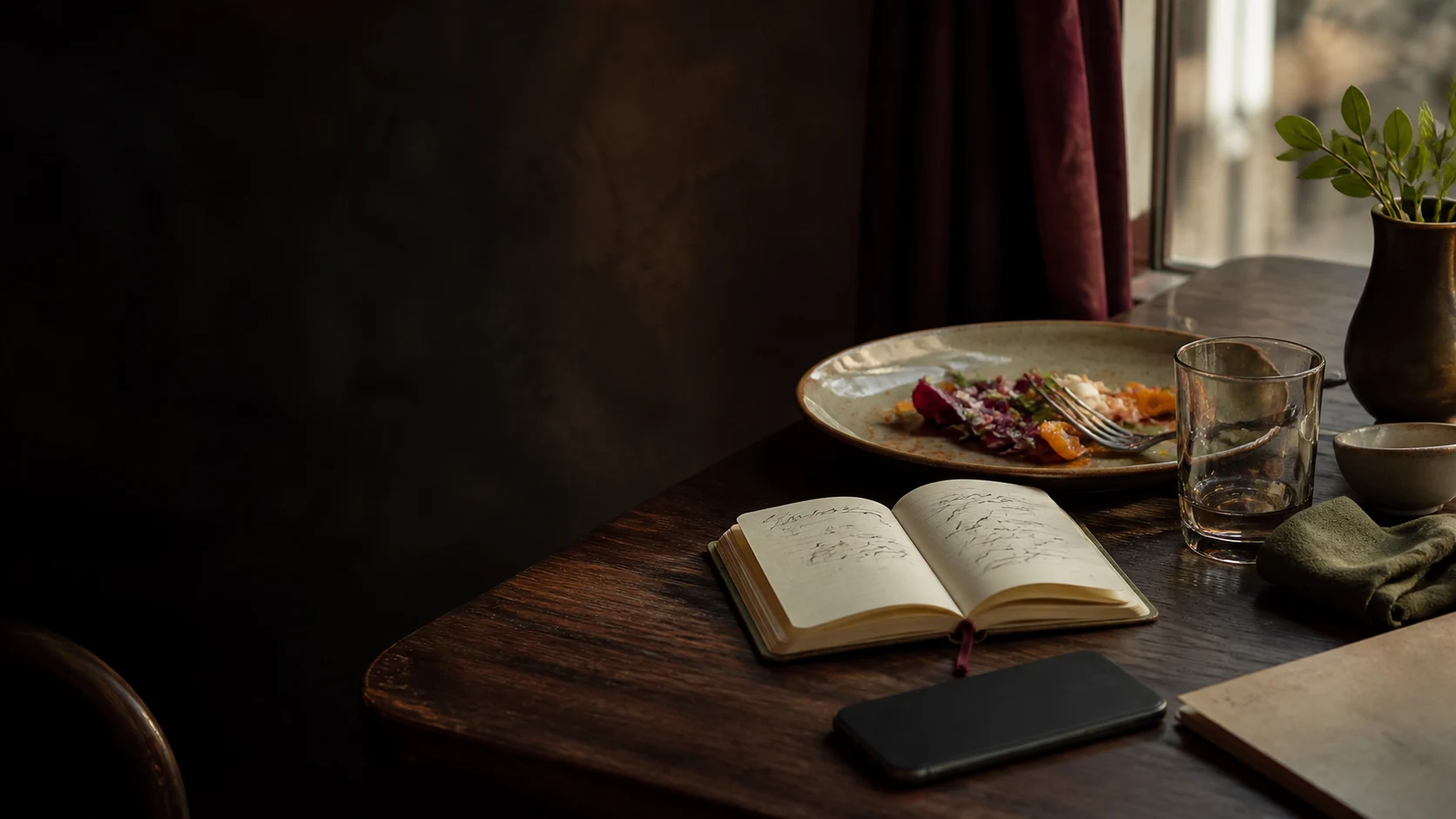
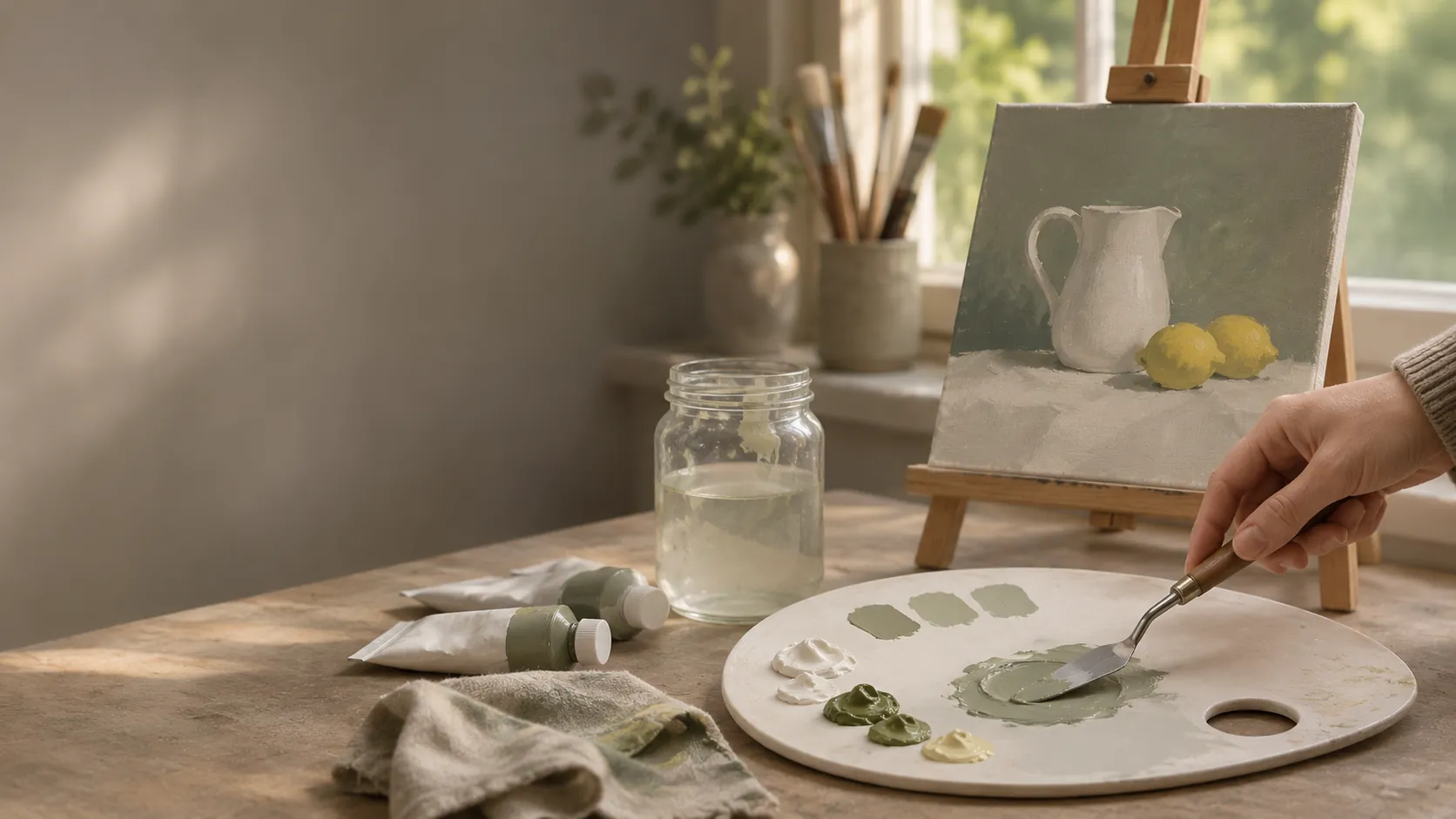
Move the camera until the table edge and the wall line up with the reference.
See what changed.
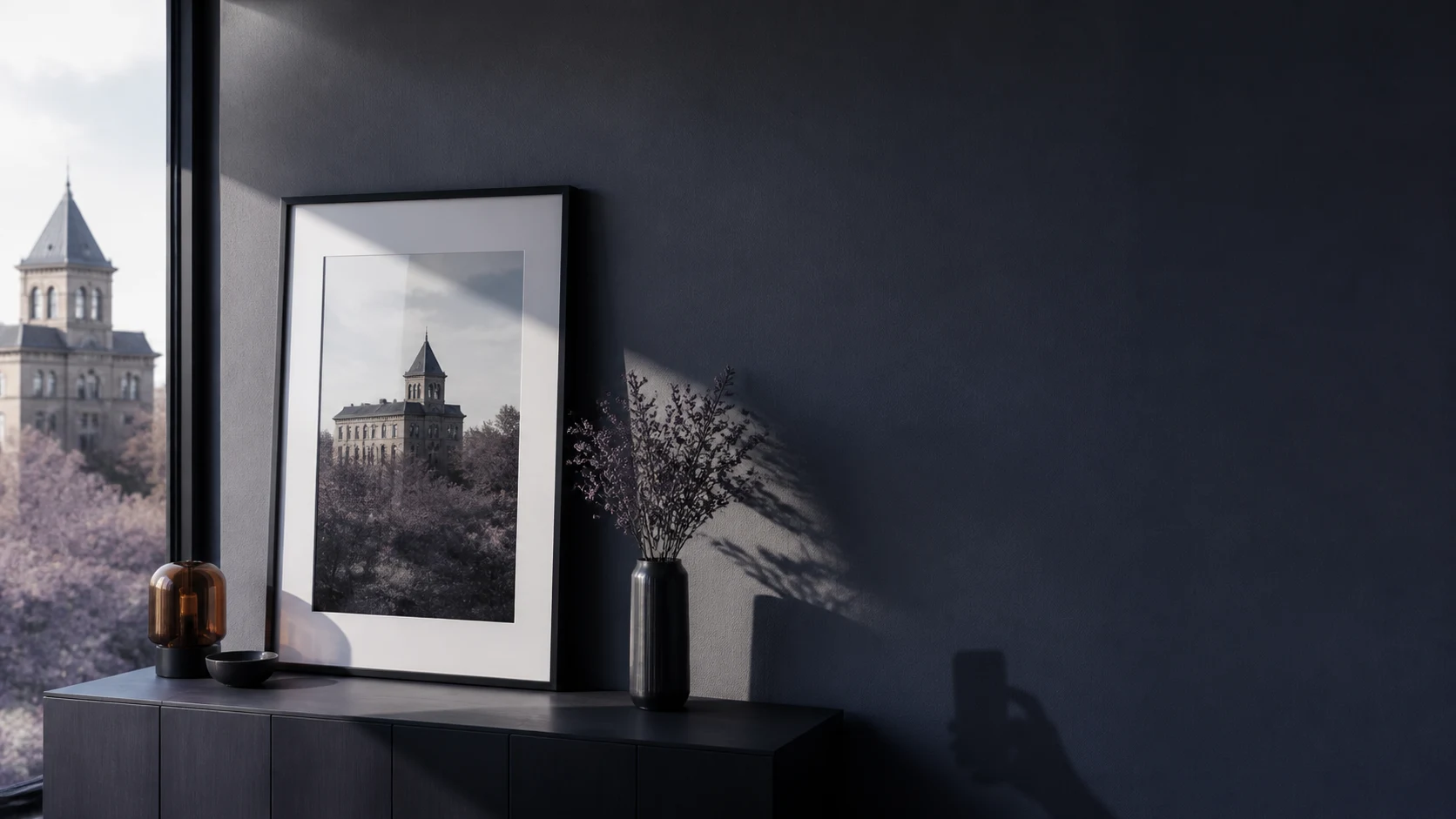
Watch a plant grow, revisit a renovation, or compare two portraits. Wipe between dates, see the pair side by side, or switch to Overlay and Blink. Share a Then & Now image or a short Reveal clip.
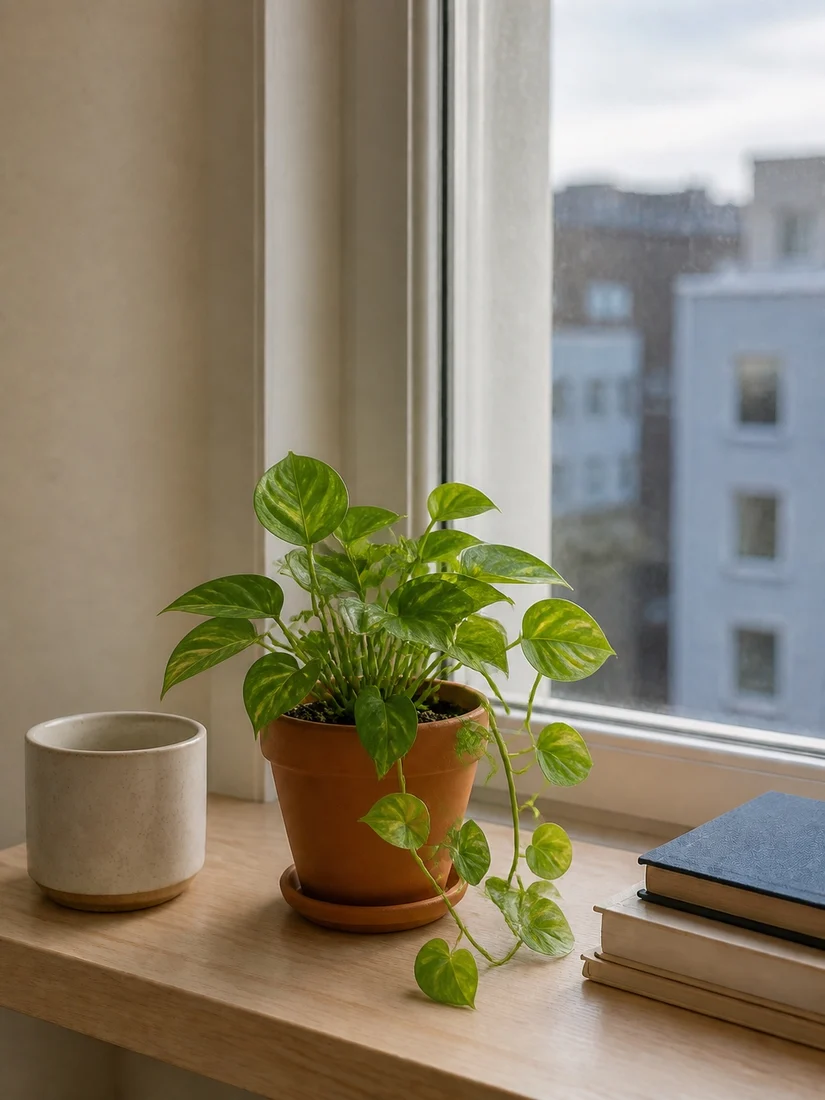
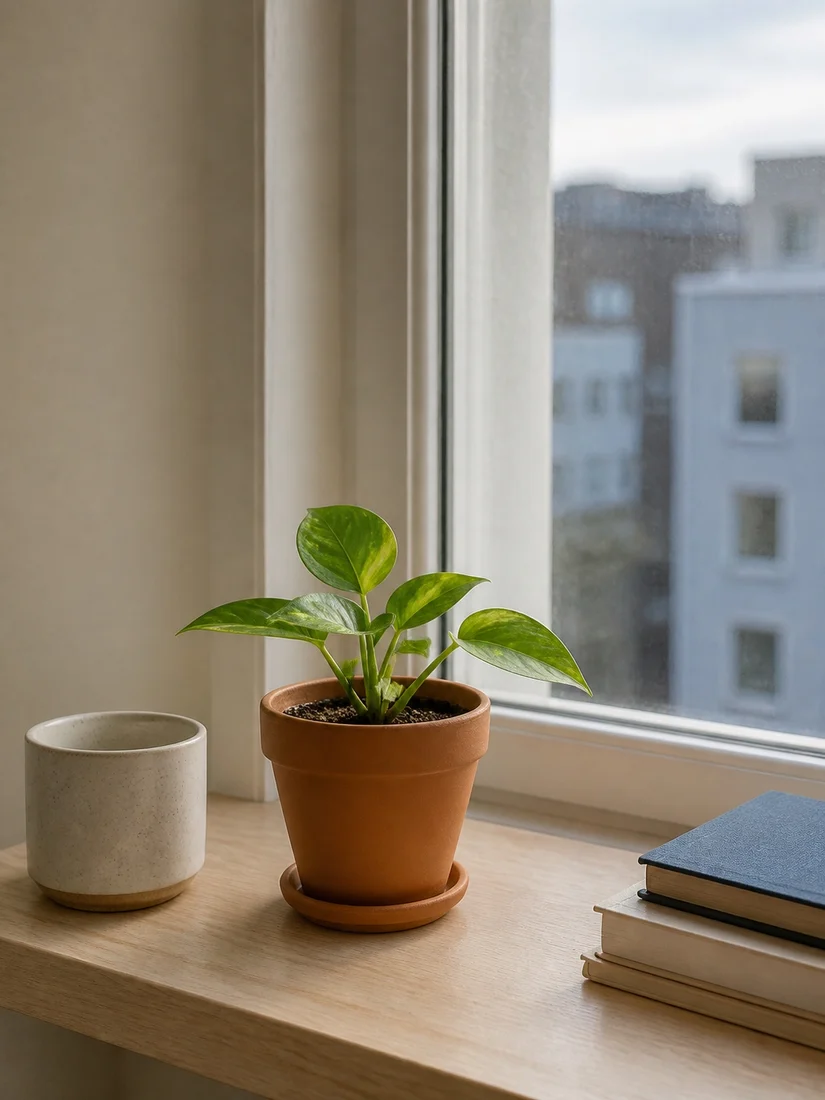
An interactive example from FrameAgain’s Plant Growth project.
Find the places. Keep the story.
Make a collection for places from a favorite film, a trip, or an old postcard. Keep each reference beside the photo you take when you find the spot.

Current stop
The old-town street
A bend in the cobbles. The same rooftops.
This demo uses a sample photo. It won’t open your camera.
Ready for The old-town street.
Skybound Anime Trail
0 of 3 collected
- 01
The old-town street
Reference 
Collected Waiting for photo - 02
The lighthouse
Reference 
Collected Waiting for photo - 03
The hillside cottage
Reference 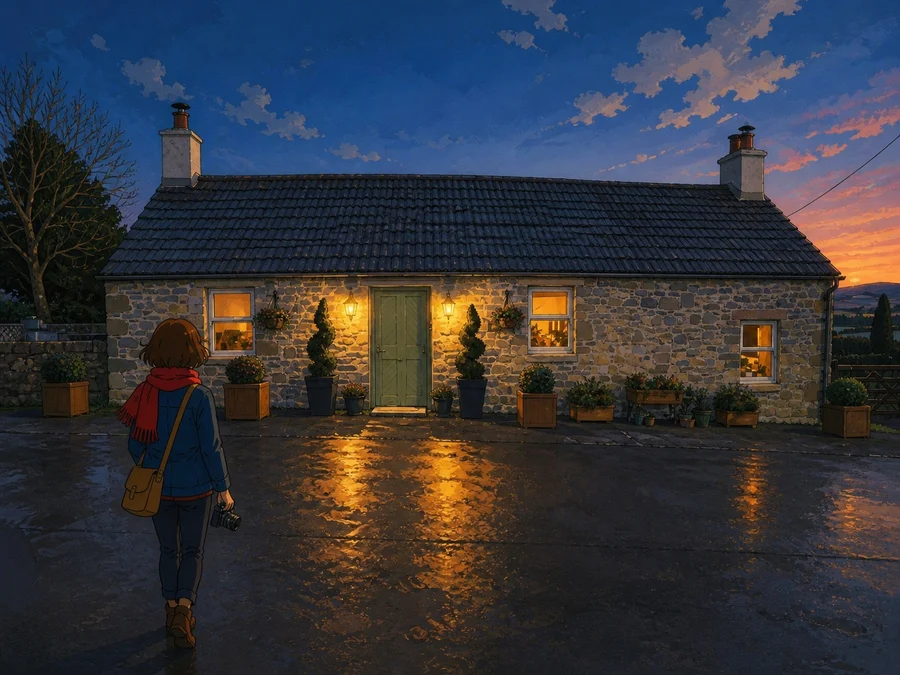
Collected Waiting for photo
One photo to revisit? Make a Frame. The same view over time? Make a Series. Set project reminders and export a complete archive whenever you need it.
Screen recording from the app, played at real speed
Make a little film.
A plant on the windowsill, a clay snail inching across the table, the same street every spring. Open a Series or Collection, choose Series video, and FrameAgain plays your photos in order.
- Vertical 9:16 for Stories and Reels, or the photos’ own shape
- A steady pace per photo, or stop-motion at 12 frames a second
- Hold the first and last photo, and stamp the dates on
- Save to Photos or share it straight from the app
Questions about FrameAgain
How can I recreate an old family photo?
FrameAgain is a free iPhone camera for taking the same photo again. Add your old photo from Photos or Files, then open the camera to see it over the live view. Adjust its visibility, choose Fit or Fill, and move or zoom the camera to match the framing. Take the photo to see Then and Now together.
Can I collect photos of film locations or places I want to revisit?
Yes. Make a Collection with your own reference images from Photos or Files. Each spot keeps its reference beside the photos you take there, so you can see which places you have photographed. Visit them in any order.
Can I track plant growth or a renovation over time?
Use a Series in FrameAgain to keep returning to the same view. Choose the original or previous photo as your camera reference, set a project reminder, and add new photos as things change. Compare any two dates or turn the series into a video.
Can I add photos I have already taken?
Yes. Import an existing photo as a new attempt in a Frame. You can compare it with the reference and keep it alongside your other captures.
Will the reference image appear in the photo I save?
No. The overlay helps you line up the shot on screen. FrameAgain saves a clean photo of the scene, with no reference image blended into it.
How do I compare and share before-and-after photos?
FrameAgain has Wipe, uncropped Side by side, Overlay, and Blink. Drag between two photos, see both together, or alternate between them to spot changes. Save or share a Then & Now image or a short Reveal clip.
How do I turn my photos into a video or stop-motion film?
Open a Series or Collection in FrameAgain and choose Series video. Use a steady pace per photo or stop-motion at 12 frames a second, then choose vertical 9:16 or the photos’ own shape. You can hold the first and last photo, add dates, and save or share the video.
Does FrameAgain align photos automatically?
You line up the shot yourself using the reference over the live camera. Adjust its visibility, rotate it, choose Fit or Fill, and move or zoom the camera until the scene matches. FrameAgain does not automatically align or warp the photos.
Is FrameAgain free, including photo and video exports?
Yes. FrameAgain and its photo and video exports are free. There are no ads, subscriptions, or in-app purchases, and you do not need an account.
Do my photos stay private, and can I back them up?
Your photos and projects stay in the app on your iPhone, and FrameAgain works offline. There is no account or cloud sync. Export a complete archive to keep a backup or import it on another iPhone.
Which devices can use FrameAgain?
FrameAgain is available on the App Store for iPhone running iOS 18 or later, including expanded, book, and tabletop layouts on iPhone Duo. There is no Android version.
Which languages does FrameAgain support?
English, Spanish, French, German, Simplified Chinese, Traditional Chinese, Japanese, and Korean. It follows your iPhone’s language, or you can choose one in Settings.
Go back and take it again.
FrameAgain for iPhone. Free, with no ads or purchases.